Price + 3D
3D Quote
In the appShared when we set you up
- Monthly base, 1 user included
- Add users one by one or in packs
- Linked to a manufacturer on Enterprise? No base fee
Configure in 3D with your customer and quote it with your prices, on the spot. The Public page is included, so your customers can configure on your website too. It works on its own, no manufacturer needed. Plus: linked to a manufacturer on Enterprise, your orders go straight to their plant.
Request access and we set you up.
One building, shown in 3D and quoted with your prices, on your own. Sample, no real prices.
01 With your customer · At the lot or the office
Sign in and the 3D opens. Every choice on the sheet shows on the building right away.
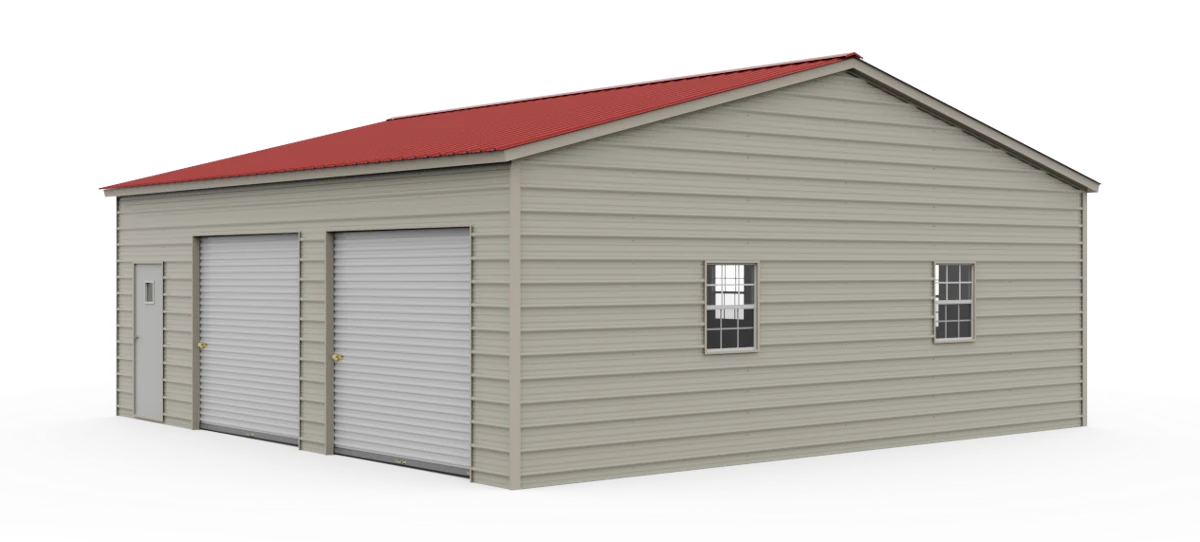
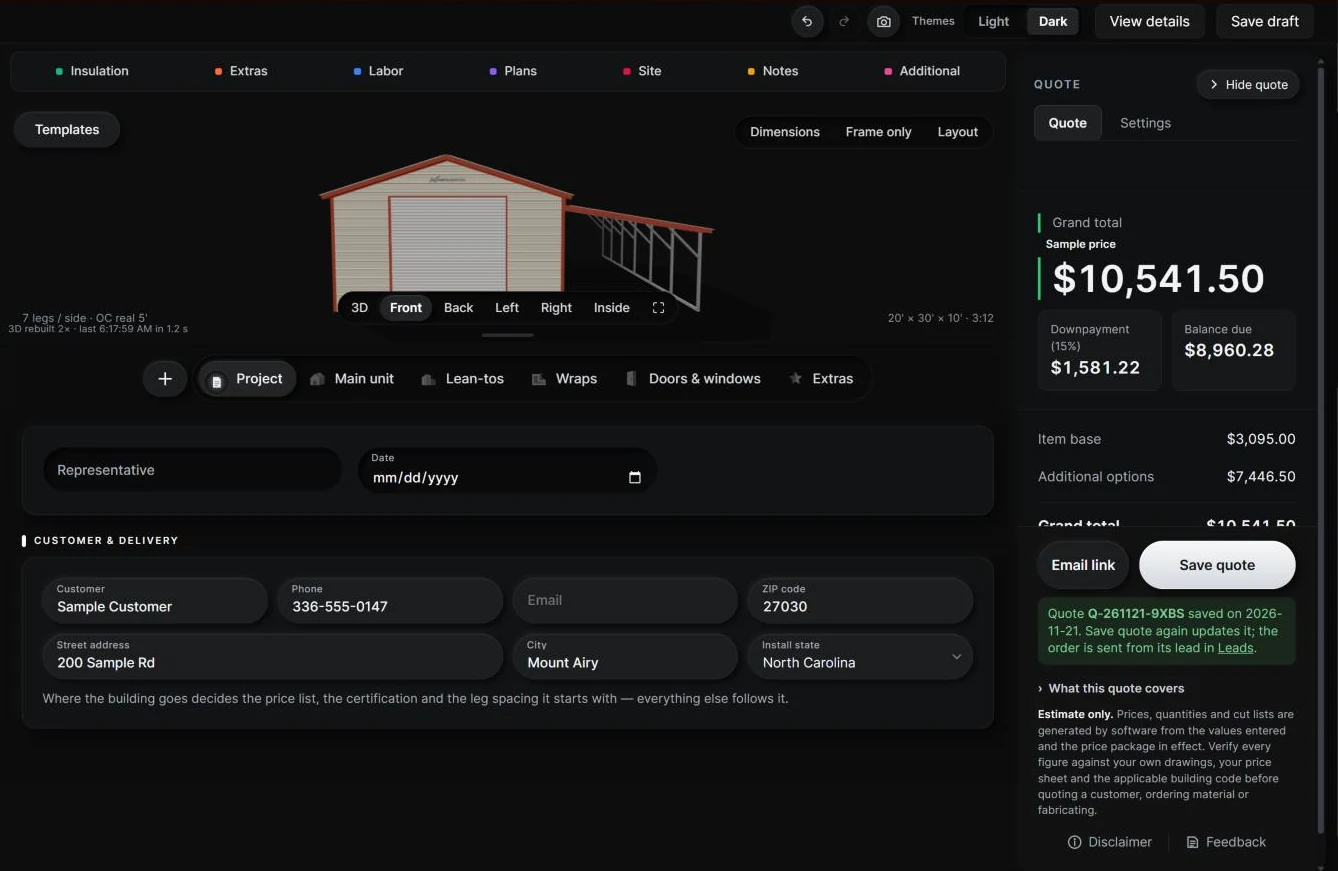
The building is priced for where it goes.
Main unit, lean-tos, wraps, doors and windows, and extras.
Roof, walls and trim in their colors, and the options your customer picks.
Rotate and zoom, or jump to the front, back, left or right.
100% web: a tablet at the lot, a laptop at the office. Nothing to install.
02 The quote · For your customer
The Quote panel follows every change: Grand total, Downpayment and Balance due.
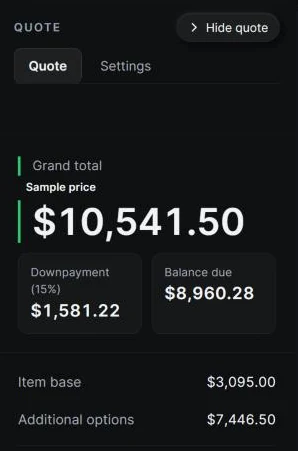
No manufacturer needed: your prices, your quotes, your Public page, your leads and your team.
Quote with your prices, on the spot.
It lands in Quotes and on a lead in Leads, with the customer's name, phone and email.
The link to the building is copied: paste it into your email.
The quote for your customer, ready to send or print.
Open puts the building back on the page, as it was saved.
When one item has no price yet, the box under the total names it, so nothing goes out by mistake.
03 Public page included · For your website
3D Quote includes the Public page: your customers configure their building on your website and send you a quote request.
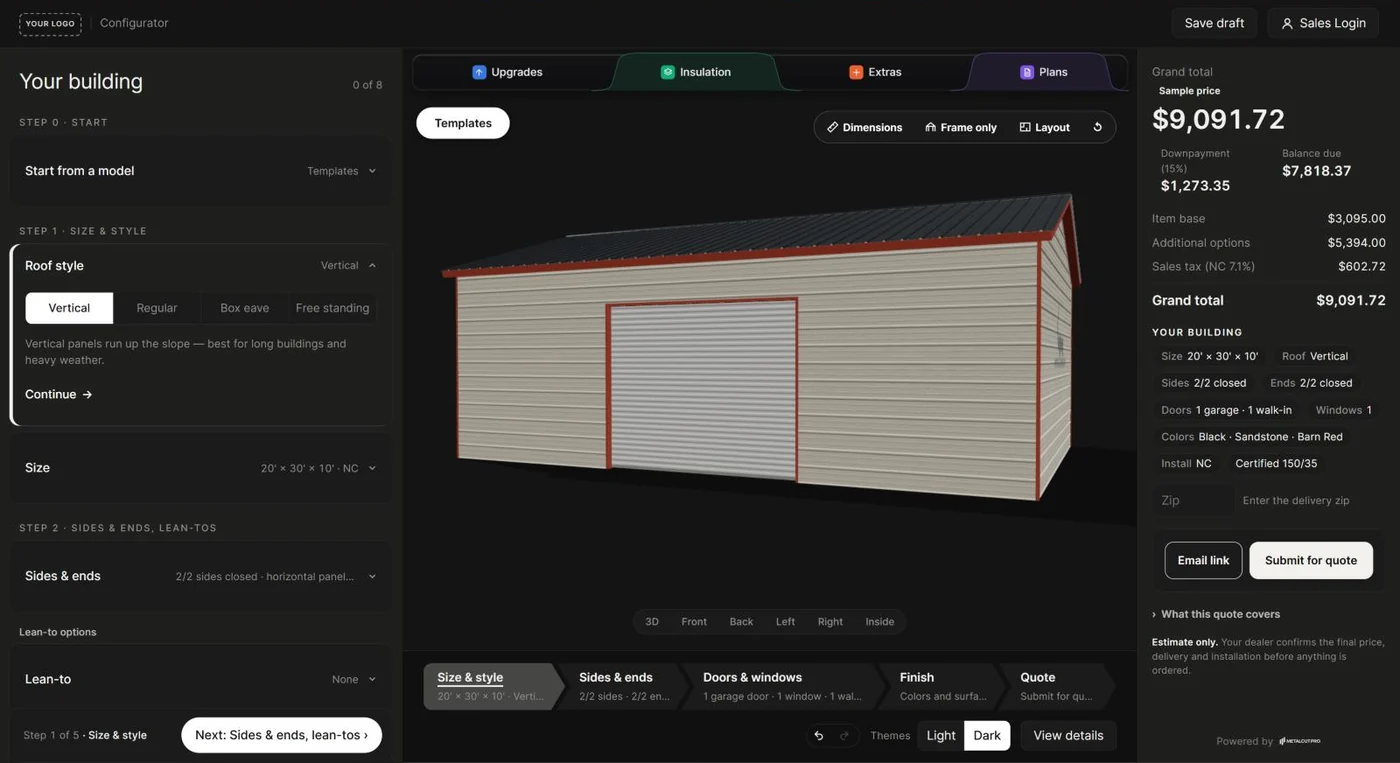
No extra version to buy: the Public page comes with 3D Quote.
Customers configure size, roof, colors and doors online.
The customer asks for a quote from your page.
It lands in your Leads with the building the customer chose, ready to quote.
04 Leads and follow-ups · For your sales
Every quote you save lands in Leads, and every Submit for quote from your public page.
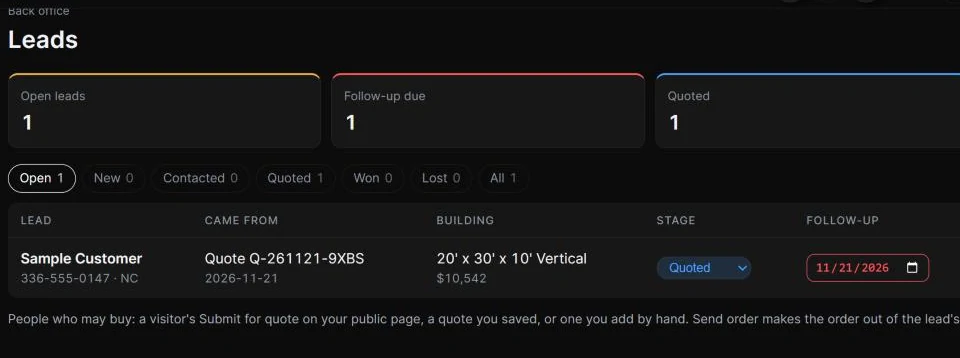
New, Contacted, Quoted, Won, Lost: move each lead as you go.
Pick the next call date. Follow-up due counts the ones for today.
Write what was said, right on the lead.
A call or a walk-in: add the name, phone, email and state.
05 My team · For your company
Everyone who quotes for you, under your company.
Fill the name and email: the person gets an invitation.
Take someone out when they leave.
With a manufacturer on Enterprise, you see how many users your manufacturer includes.
06 Plus: orders to the plant · Optional, with a manufacturer on Enterprise
Everything above works on its own. Linked to a manufacturer on Enterprise, you also get this: Send order from the lead, and it lands at their plant already entered, with the cut list ready for their shop.
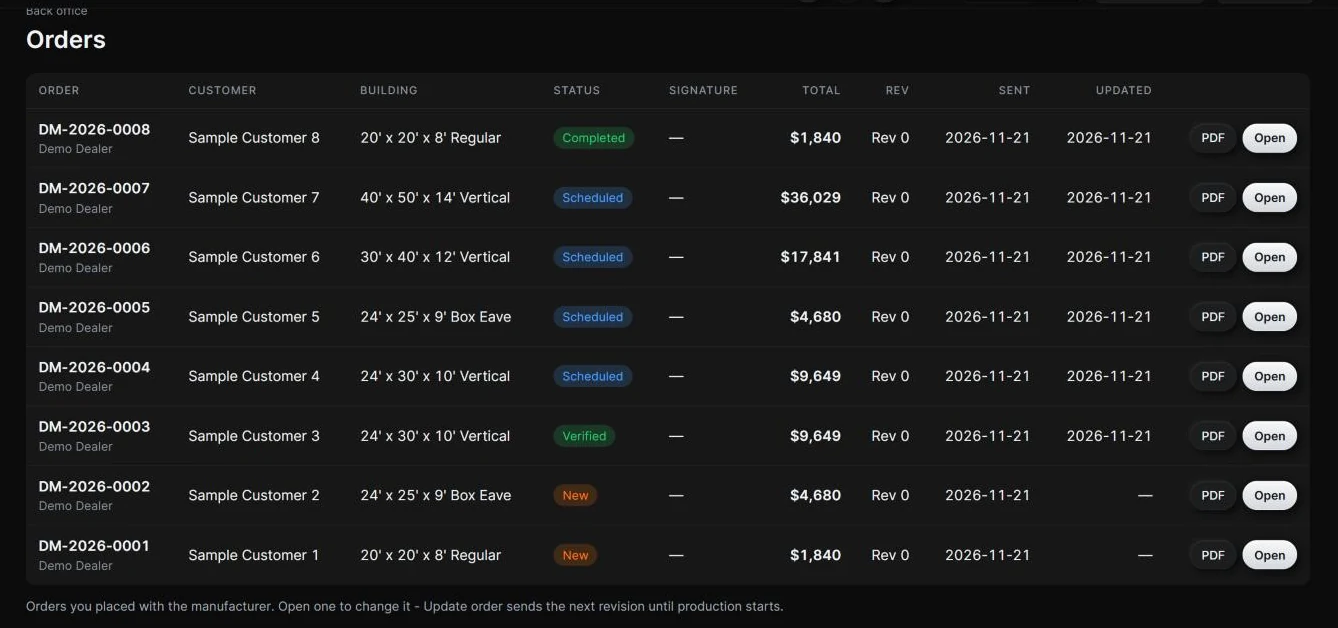
Check the customer, the building and the total, then confirm.
See where each order is. Your bell tells you what the manufacturer did.
Open it, change it and update the order: same number, a new Rev.
Once verified, an update asks for one line on what changed, without prices.
Read the order as it is now, revision by revision.
From In Production on, the order is locked: call the manufacturer to change it.
Coverage
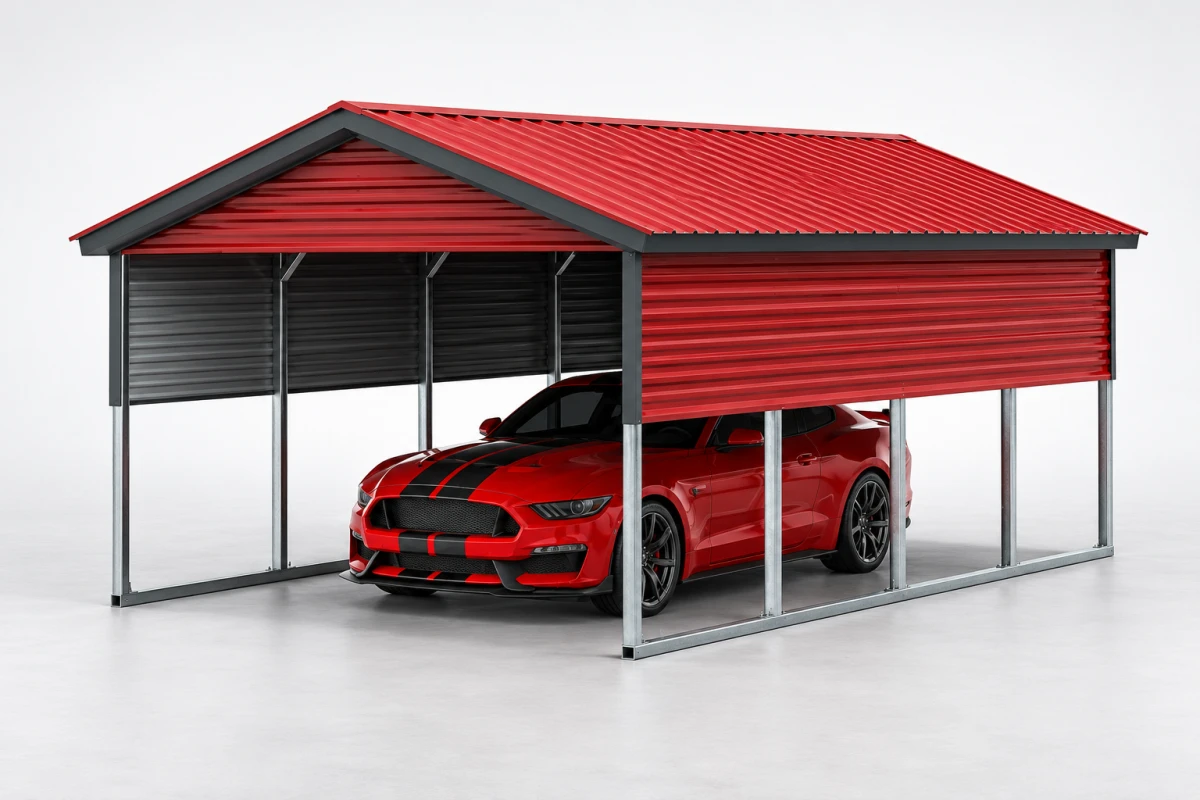
From a 12-foot single carport to a 60-foot commercial building with lean-tos on every side. One tool covers the lot.
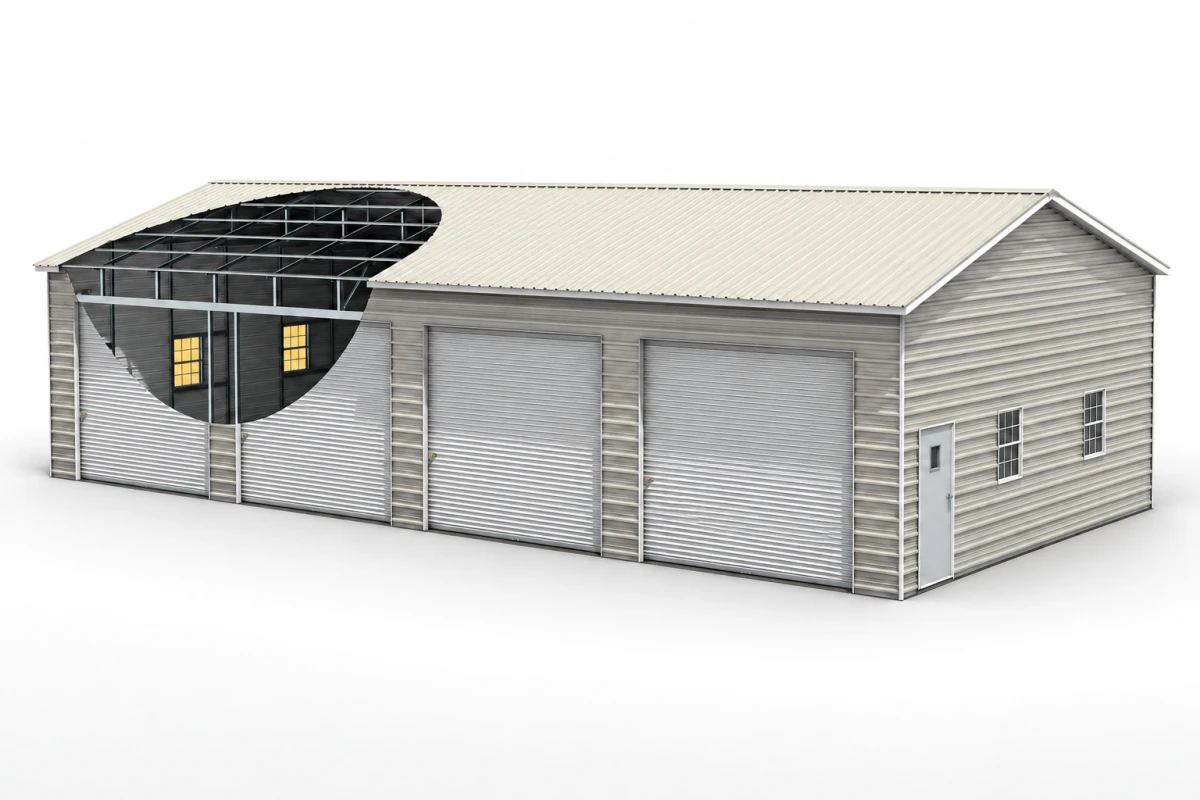
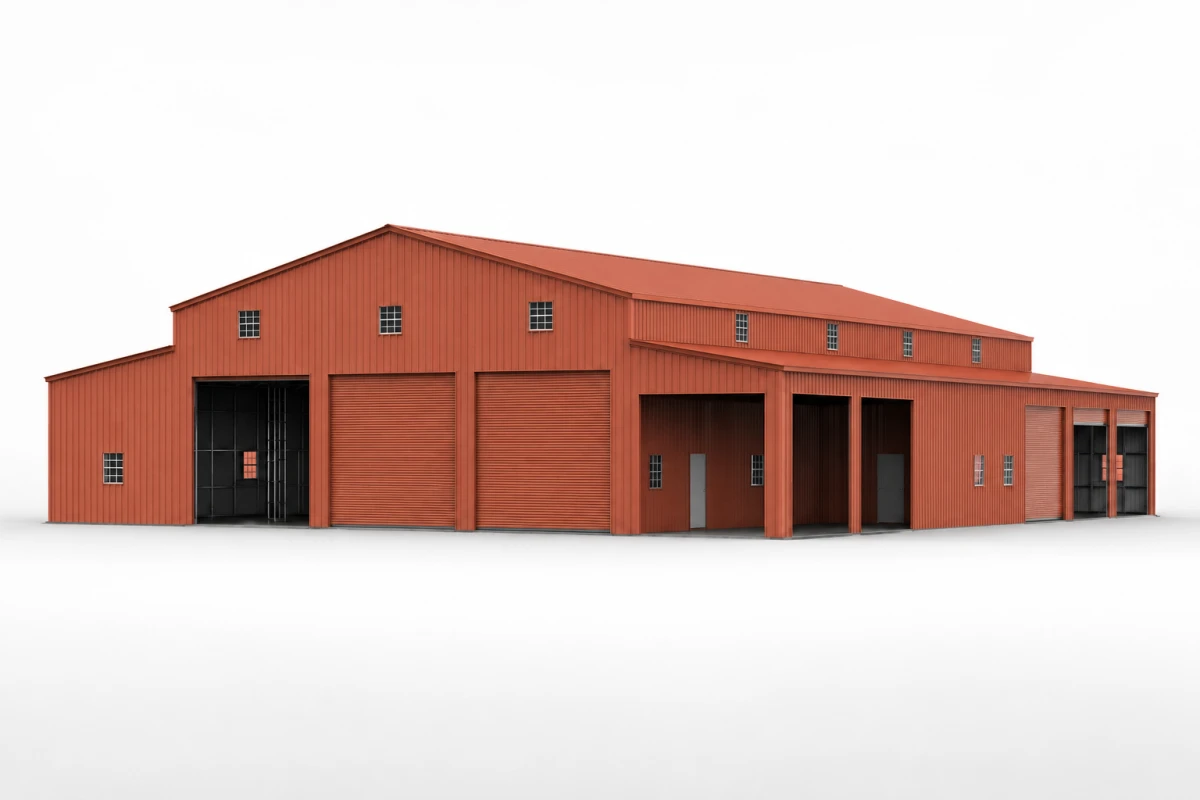
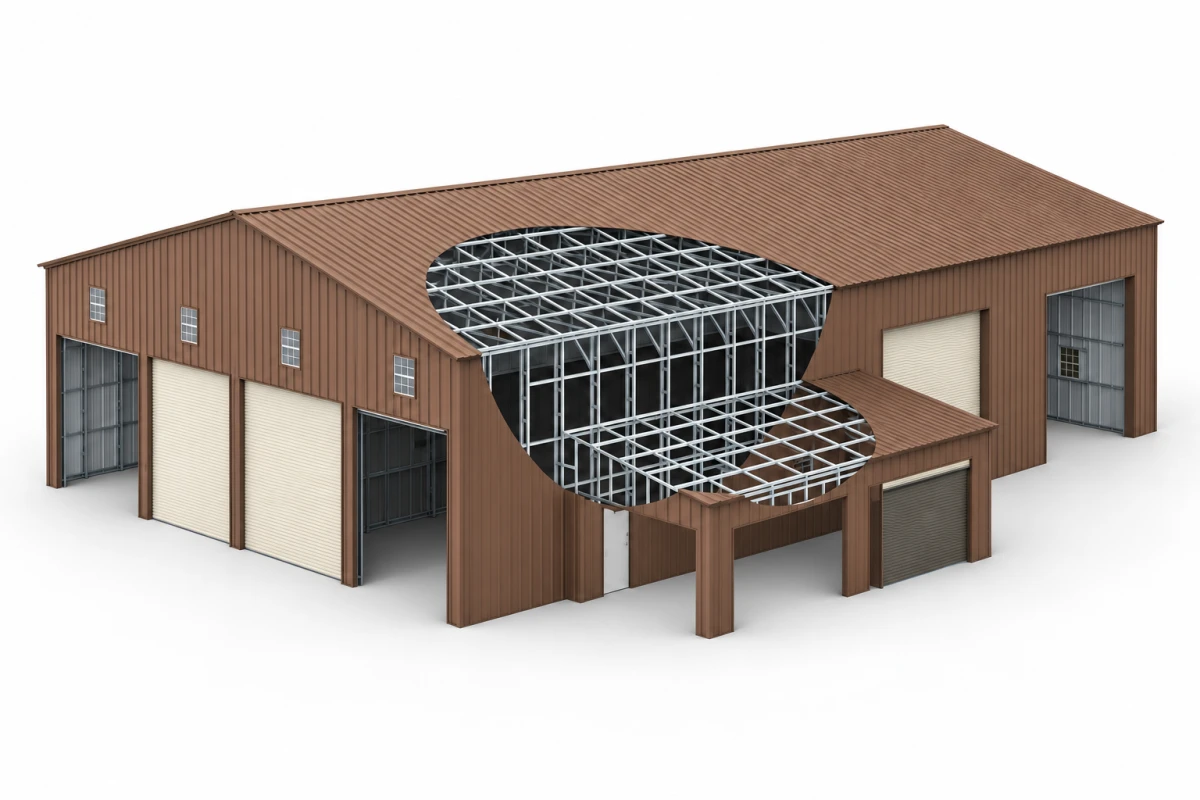
3D Quote does not make the cut list: that is MetalCut Pro for a shop, and Enterprise for a manufacturer with dealers.
PLANS
Every plan is monthly. Start a free trial or request access, and you see the price for your version before you pay anything.
No contracts. Cancel anytime with 30 days' notice.Price + 3D
Packs of 5, 10, 15 and 20 on 3D Quote and Enterprise: the bigger the pack, the less each license costs, and you never pay more than the next pack up. 7-day money-back on your first payment.
For customers configuring on your website: Public. For dealer quotes: 3D Quote. For shop cut lists: MetalCut Pro. For cut lists plus the building in 3D: MetalCut Pro + 3D. For a manufacturer with a dealer network: Enterprise. For Enterprise with every add-on: Enterprise All-In.
From 12′ to 60′ wide: Standard, Triple Wide and Commercial. Regular, Box Eave and Vertical roof styles. Lean-tos on all four sides and wrap-arounds.
No. It runs in the browser on desktop, tablet or phone. Log in and start.
In a data center, separate by company, with an encrypted copy every night at a different provider. You can download your data, and two-step sign-in is available.
Yes. Your customers configure their building on your website and send a quote request. It lands in your Leads, already entered.
No. 3D Quote works on its own: the 3D, your prices, your quotes, your Public page, your leads and your team. Linking to a manufacturer on Enterprise is a plus: your orders also go straight to their plant.
No. The cut list is MetalCut Pro for a shop, and Enterprise for a manufacturer: an order you send there arrives with its cut list ready for their shop.
YOUR NEXT BUILDING STARTS HERE