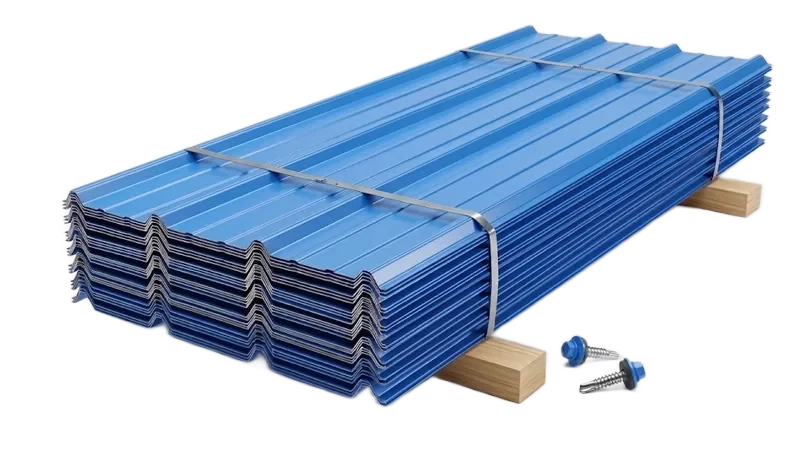
PANELS
Panel Cut List
Exact panel lengths for every surface: roof, walls, gable ends, lean-tos, and wainscot. Color-coded and ready for the shear.
- Roof · walls · gable cuts
- Vertical & horizontal
- Wainscot with transition
Cut list estimating, available today — built only for carports & metal buildings.
[ BUILT FOR CARPORTS & METAL BUILDINGS ]
50 PDFS FREE · NO CREDIT CARD · MANUFACTURERS ONLY · VIEW SAMPLE CUT LIST (PDF)
The Modules
Each module owns one part of the material list. Run them alone, or run them together and walk out with one complete bill of materials.
PANELS
Exact panel lengths for every surface: roof, walls, gable ends, lean-tos, and wainscot. Color-coded and ready for the shear.
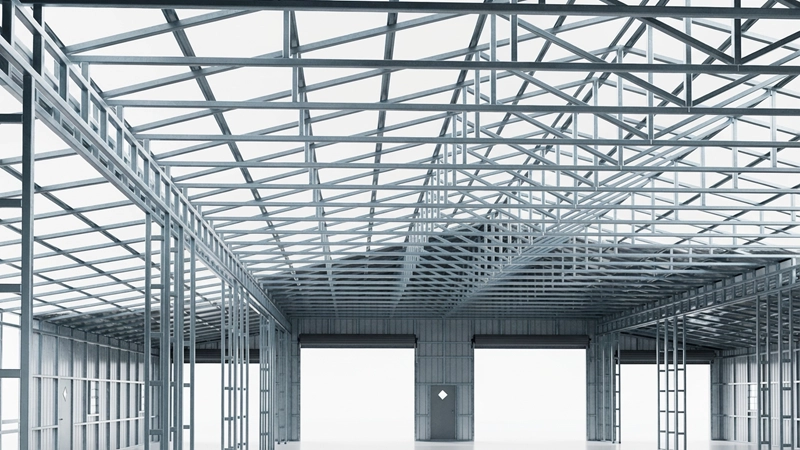
FRAME
The full structural list: trusses and bows by type, legs, base and top rails, uprights, headers, and braces.
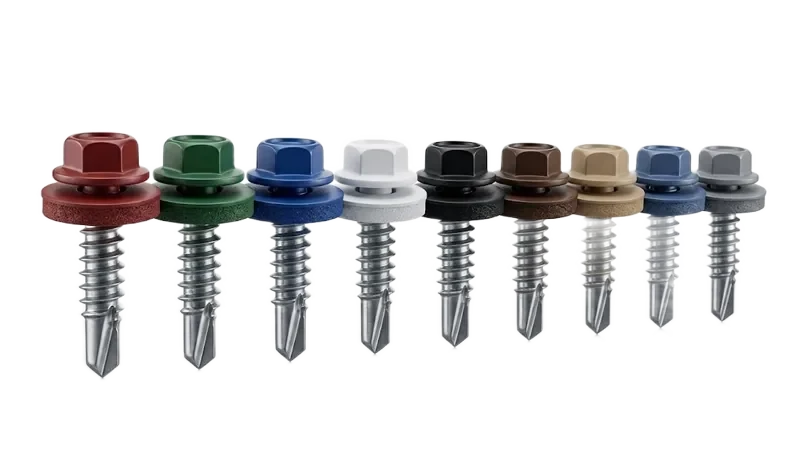
HARDWARE
Every fastener, bracket, anchor, and bolt at exact quantities, sorted by color and connection. No guessing at the supply house.
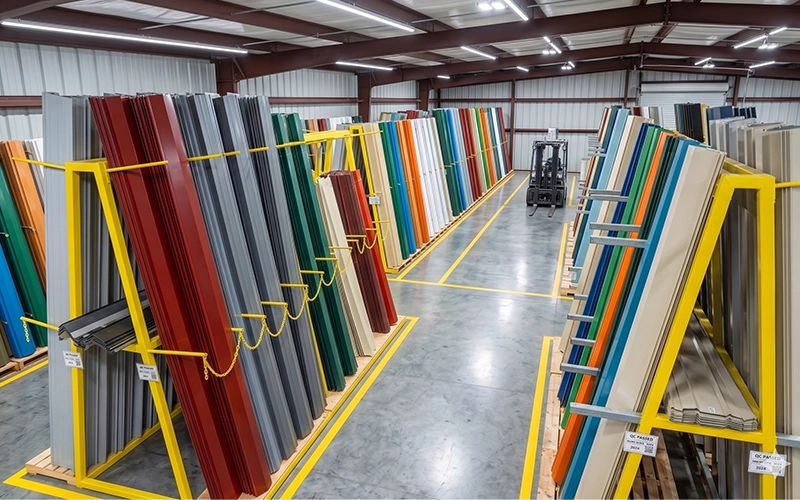
TRIM
Corners, base trim, ridge cap, and every transition piece, broken out per building.
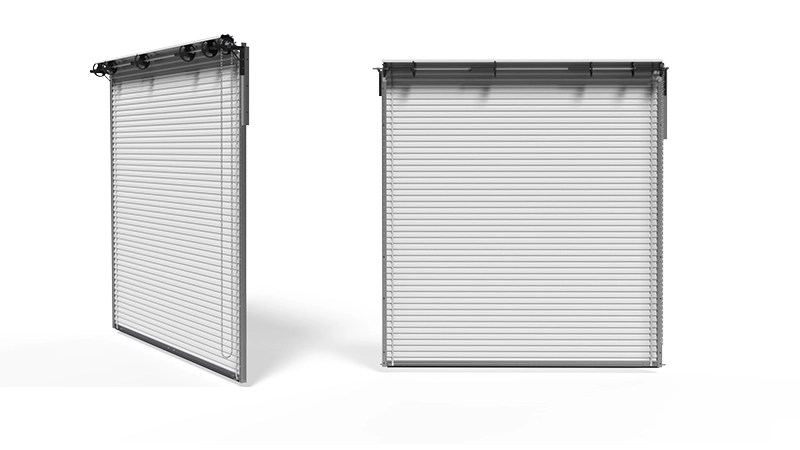
DOORS
Complete roll-up door hardware: tracks, chains, and electric opener components.
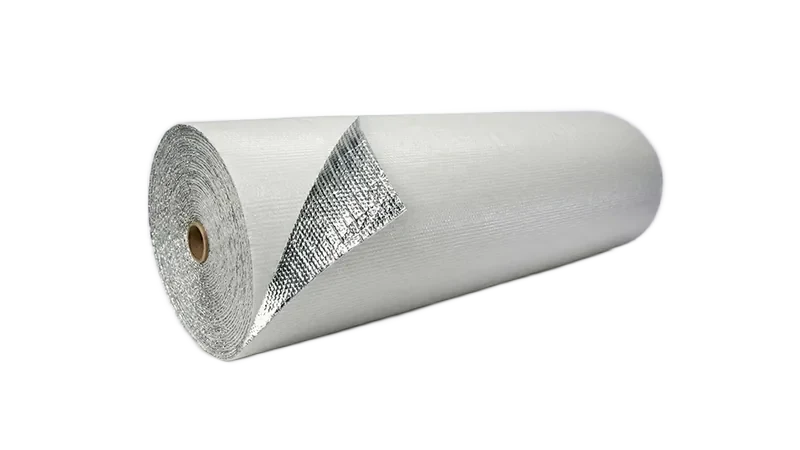
COMING SOON
Quantities by square footage: double bubble foil, 2″ fiberglass, broken down per zone.
The Problem
One wrong screw count or missing panel on a job site stops everything. There's a better way.
Your Generics
MetalCut Pro is built on industry-standard carport logic — the same way your crews already build.
Works out of the box with standard carport generics: widths, leg heights, roof styles, gauges, and configurations your crews already know.
This is what your free trial runs on.
Need it to match your shop exactly? We adapt it to your blueprints — your screw counts per bow, your hardware specs per brace, your certifications — as a custom service, quoted before we start.
No need to share your full blueprints. Just the changes you need.
The Process
No CAD, no spreadsheet gymnastics. If you can fill out an order sheet, you can run MetalCut Pro.
Start with the cut list today. 3D, pricing and dealers are on the way.
AVAILABLE NOW
The complete cut list.
Every panel, truss, trim and screw — calculated and printed, ready for the shop.
Request AccessFour more versions are on the way. Get notified when each one opens.
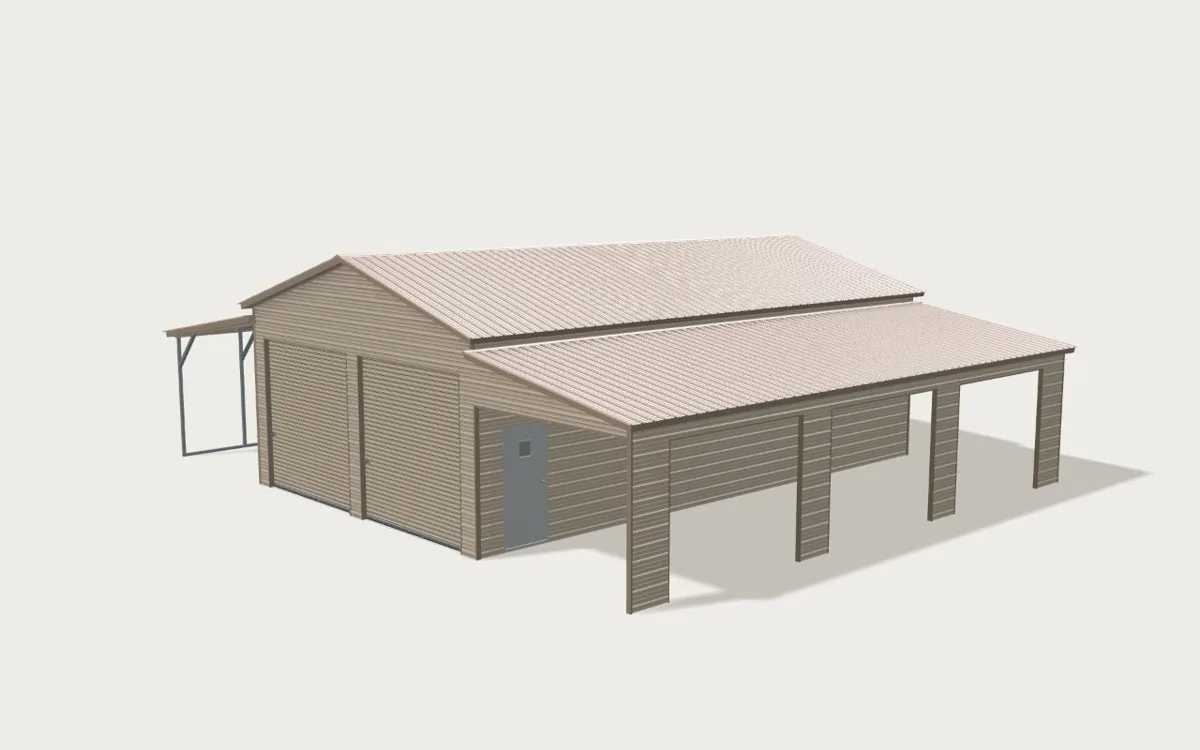
A PREVIEW OF WHAT'S COMING — YOUR BUILDING, IN 3D
COMING SOON
Configure in 3D. See the price.
For independent dealers: show your customer the building in 3D and quote it with your prices.
COMING SOON
MetalCut Pro, now in 3D.
Every piece counted, and the building to check it against before you cut.
COMING SOON
Cut list, 3D and pricing.
Price it, see it and cut it — for your own team, from one building entered once.
COMING SOON
Your dealers, connected to your plant.
Everything in Complete, plus back office and your dealer network. Under your brand.
| MetalCut ProAVAILABLE NOW | 3D QuoteCOMING SOON | Pro 3DCOMING SOON | CompleteCOMING SOON | EnterpriseCOMING SOON | |
|---|---|---|---|---|---|
| Cut list — panels, frame, trim, screws | ✓ | — | ✓ | ✓ | ✓ |
| 3D building | — | ✓ | ✓ | ✓ | ✓ |
| Pricing with your price lists | — | ✓ | — | ✓ | ✓ |
| Quote PDF with prices for your customer | — | ✓ | — | ✓ | ✓ |
| Customers request a quote online | — | ✓ | — | — | ✓ |
| Follow-up emails from your templates | — | — | — | — | ✓ |
| Back office — quotes, customers, leads | — | — | — | — | ✓ |
| Your dealers connected to your plant | — | — | — | — | ✓ |
Every version carries your logo and company name — on the cut list, the 3D and the quote.
Coverage
From a 12-foot single carport to a 60-foot commercial building with lean-tos on every side. One tool covers the lot.
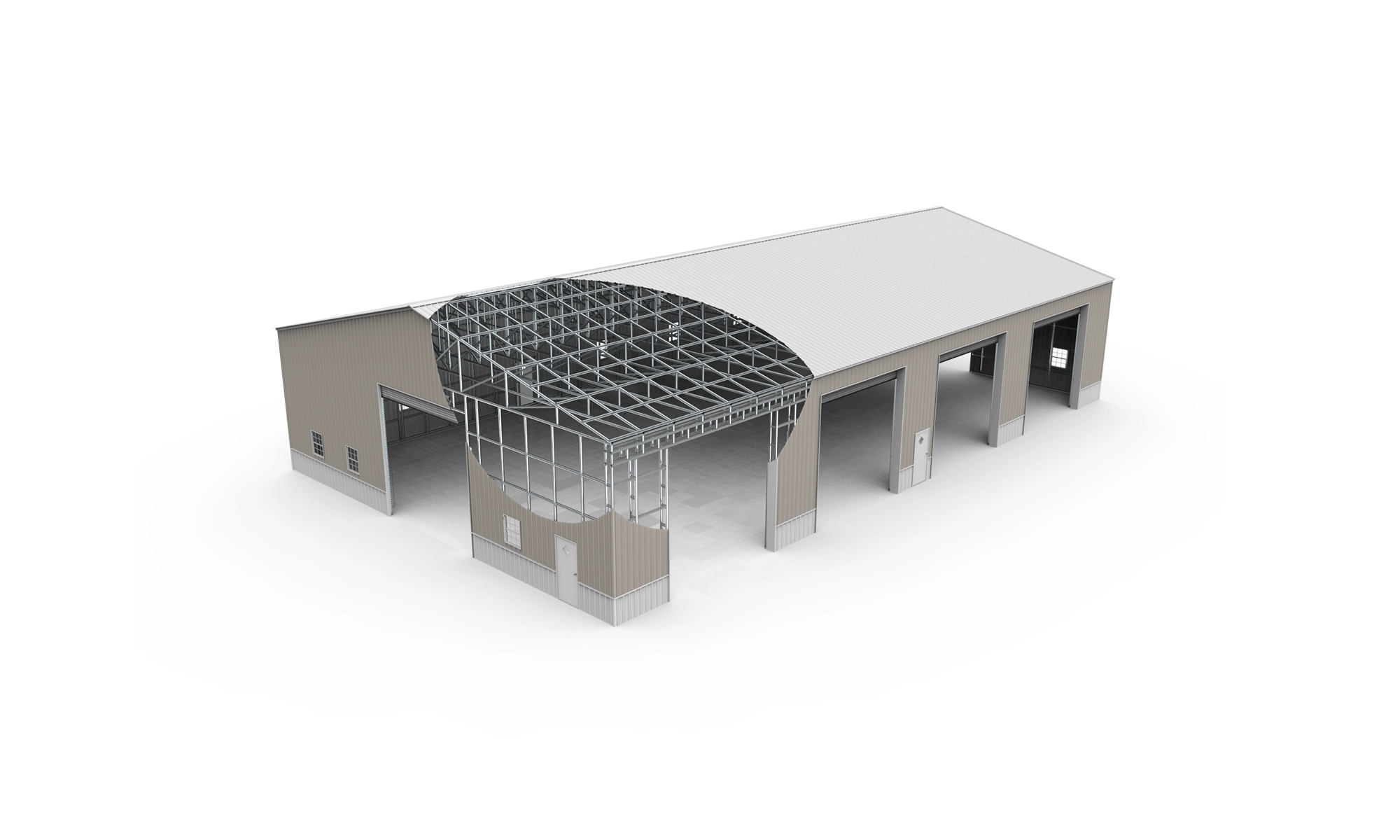
Regular, A-frame, triple wide, overhead and gable — typical roof profiles.
The Builder
We measure twice,you cut once.
MetalCut Pro was created by a metal building professional with 20+ years of hands-on experience in the carport and steel structure industry. We understand your workflow because we've lived it: the shop math, the second trips to the supplier, the crew waiting on one missing panel.
FOUNDER, METALCUT PRO · 20+ YEARS IN STEEL
Any Device
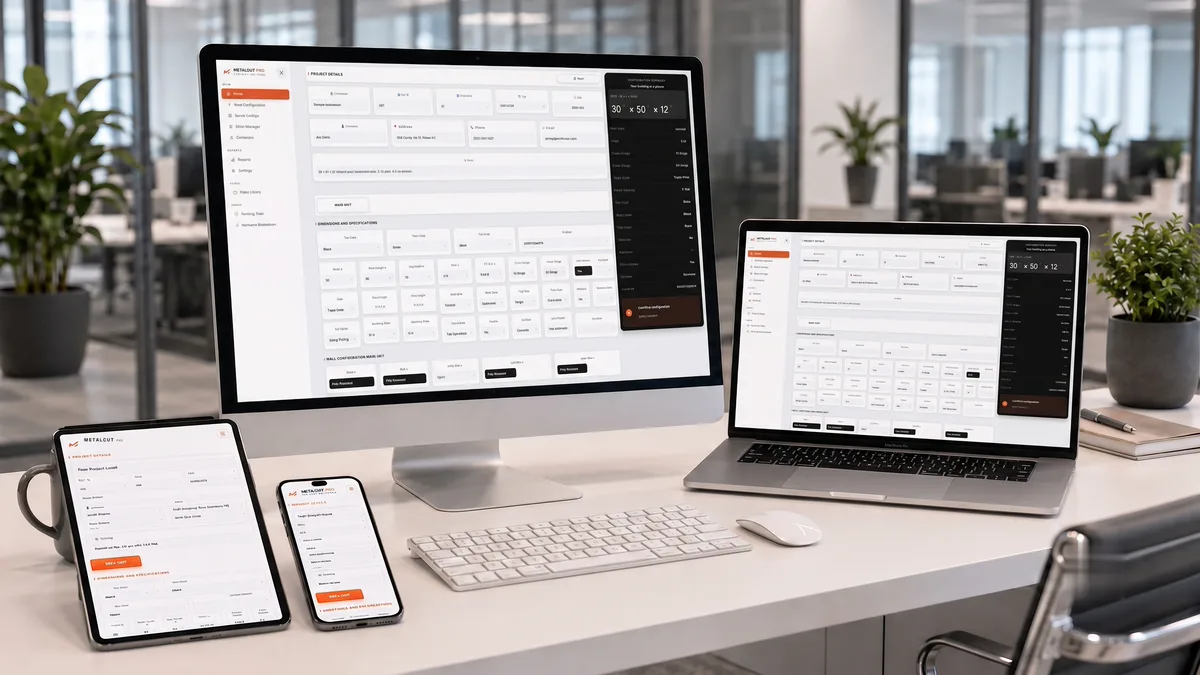
100% web — MetalCut Pro runs in the browser on desktop, laptop, tablet, or phone. Nothing to install, nothing to update.
MetalCut Pro supports buildings from 12′ to 60′ wide: Standard (up to 24′), Triple Wide (25′–30′) and Commercial (over 30′). It supports Regular, Box Eave and Vertical roof styles.
No. MetalCut Pro is 100% web-based and runs in any modern browser on desktop, tablet or phone. Log in and start.
Yes. Lean-tos on all 4 sides and wrap-arounds on every corner combination. Each change updates the cut list and hardware counts.
When your engineer updates your blueprint specs, we can update your configuration for you. Each update is quoted before we start, so every new cut list follows your current approved generics.
Yes. 14 days or 50 PDFs, whichever comes first — no credit card required. The trial runs on standard generics, so you see exactly what you get before you commit.
3D Quote, Pro 3D, Complete and Enterprise are coming soon. Tap “Notify me” on any version and we’ll let you know when it opens.
Free Trial
Currently working with select metal building manufacturers.
Free Trial
MANUFACTURERS ONLY · COMPANY EMAIL REQUIRED
What's Next
We're building the most complete estimating platform for the metal building industry. Here's what's coming next.
How to start